
You can order a new domain through the setup.platon.sk portal. The domain is registered automatically only after the order has been paid successfully.
1. Domain Pricelist
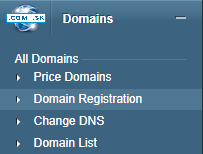
Open Domains in the left-hand menu and select Domain Pricelist.
2. Choose a TLD
Find the TLD you want in the Domain Pricelist, such as .sk, .com, or .eu, and click Buy Domain.
3. Check domain availability
Enter the domain name without the selected TLD in the field that appears, then click Check.
4. Cart
If the domain is available, you will see an availability confirmation. Click Add to Cart to place the domain in your Cart. If the domain is unavailable, check a different name.
5. Complete the order
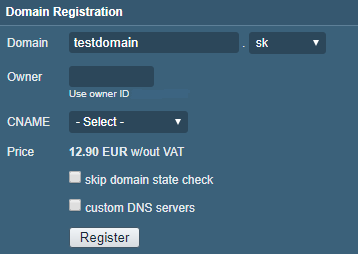
Review the domain name and registration period in the Cart. Continue through the contact and payment details to the order summary, then submit your order.
6. Pay for the order and register the domain
Pay for the order using your selected payment method. Submitting the order alone does not register the domain. Once the payment has been completed successfully, the system registers the domain automatically.

We accept reports of problems or other inducements related to the use of our products and services.
helpdesk@platon.net +421 222 111 321
In case you need any help, contact us by e-mail or by phone.
Give a chance to our online help-center. You can find there more than:

Questions about our products or any specific request? Contact us.